.svg)
[ capabilities ]
No Code Sounds Simple The Work Underneath Isn't
Behind your Webflow site sits real development thinking, proper structure, a working CMS, and fast load times, so what looks effortless to you was never left to chance.

Webflow/Framer development
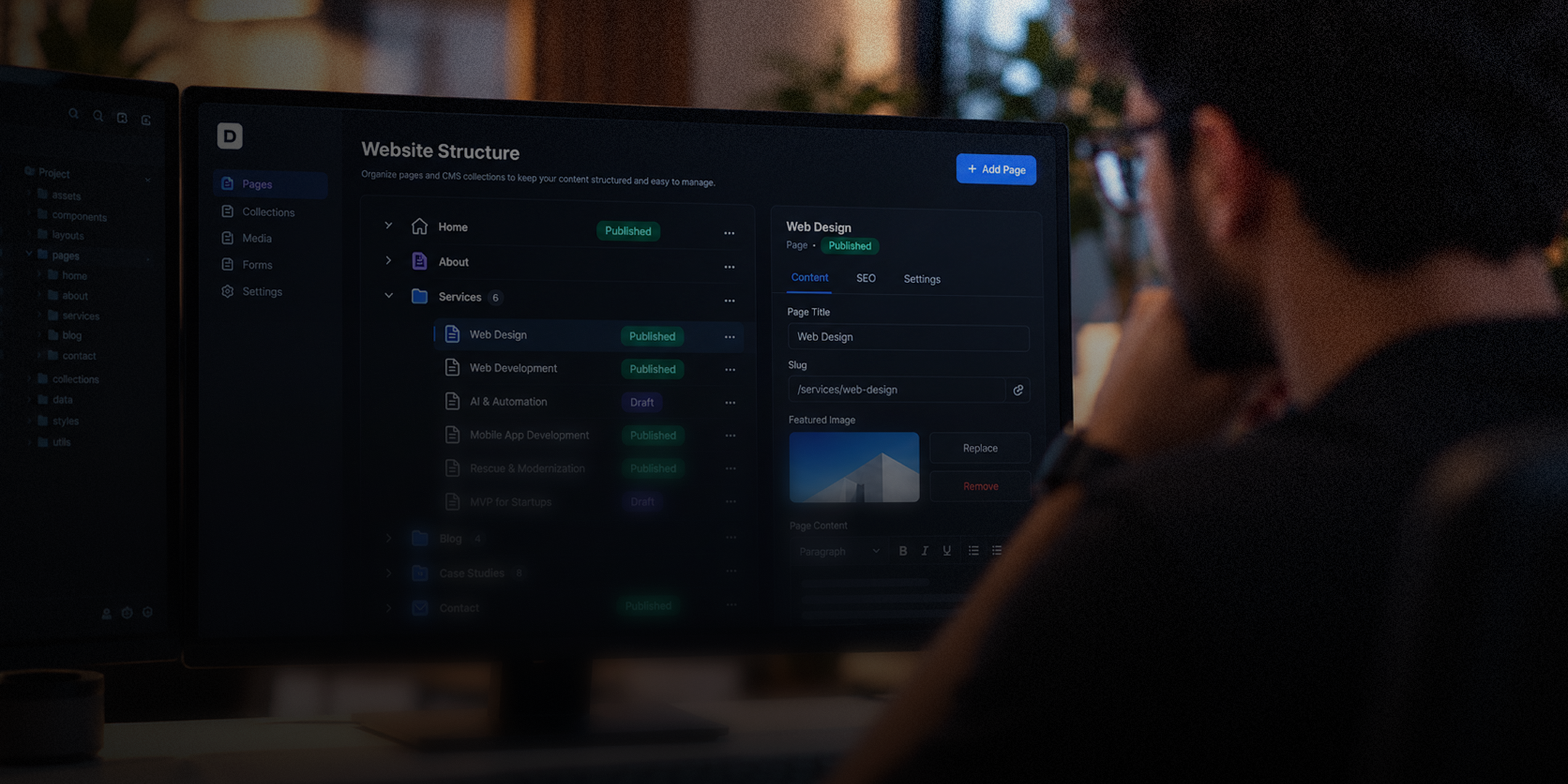
Design files don't build themselves properly. We turn them into fully functional Webflow sites, structured correctly underneath so nothing breaks later.

CMS setup & structuring
Content shouldn't feel like a puzzle to update. We build your CMS structure properly from the start, so editing stays simple long-term.

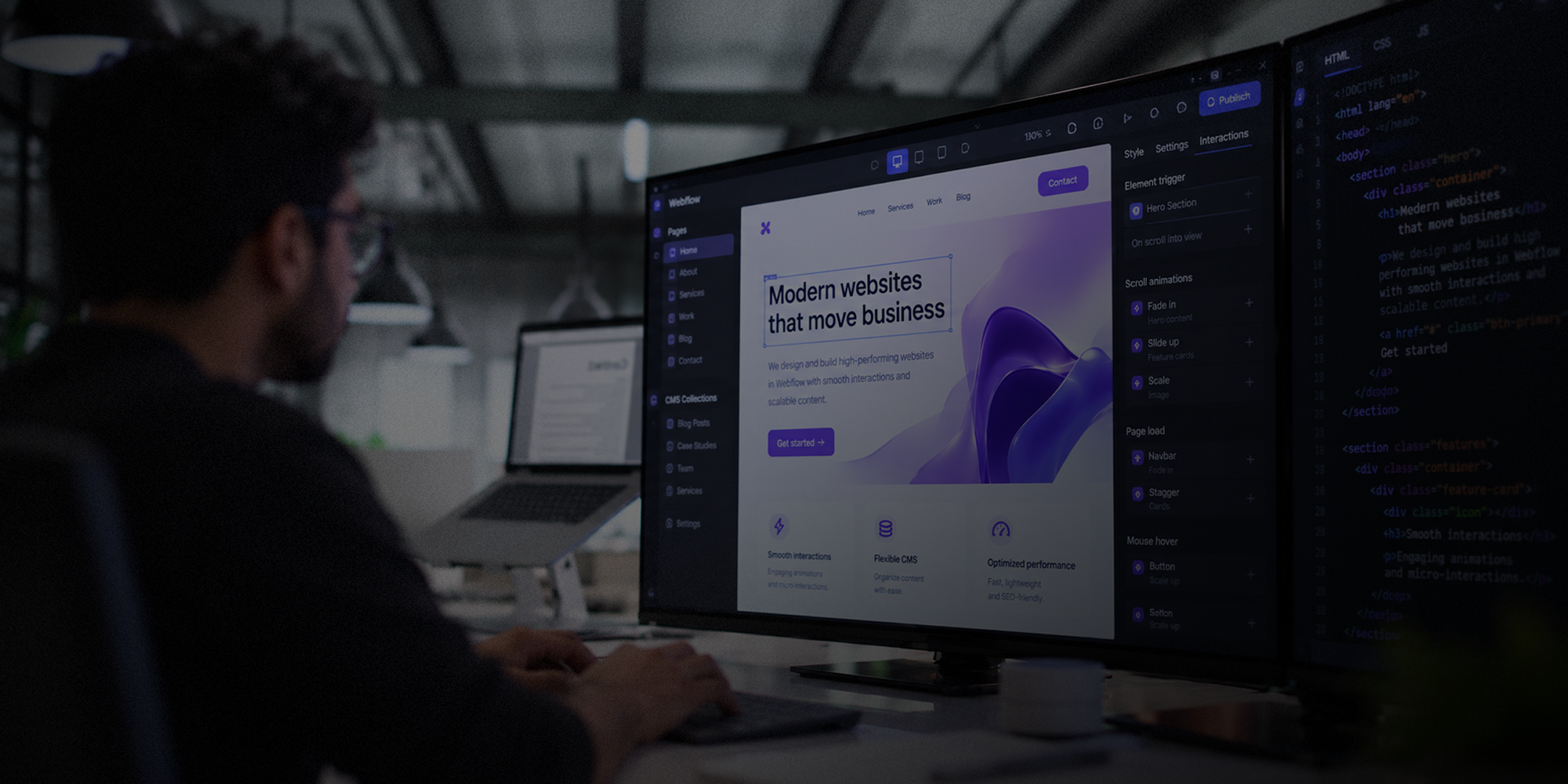
Custom animations
Static pages rarely hold attention. Our developers build custom interactions and animations directly in Webflow, adding polish without slowing your site down.

Third-party integrations
Your Webflow site often needs to connect elsewhere: forms, payments, marketing tools. We handle those integrations properly, so everything works together smoothly.

Performance optimization
A beautiful site that loads slowly loses visitors fast. We optimize your Webflow build for speed, keeping every page fast without sacrificing appearance.

Platform migration to Webflow
Moving off WordPress or another platform feels risky without help. We migrate your existing site into Webflow carefully, keeping content and rankings intact.


[ process ]
Our Approach To No Code Development
We follow a structured and careful process for every Webflow project, so nothing gets rushed or built carelessly.

[step 01]
File review
We start by reviewing your design files closely, understanding structure, spacing, and functionality before building anything inside Webflow.

[step 01]
Structuring & CMS setup
We build the site's structure and CMS properly from the beginning, so content stays organized and easy to update later.

[step 01]
Development & interactions
Our developers bring the design to life inside Webflow, adding animations, interactions, and functionality without slowing the site down.

[step 01]
Testing & launch
Before going live, we test across devices and browsers thoroughly, fixing anything that doesn't behave exactly as intended.
[ stacks ]
The Tech Stack Behind Webflow
Webflow forms the core of our builds, paired with tools for forms, payments, analytics, and integrations. We pick these tools for reliability rather than trend or convenience.




[ case studies ]
Case studies


Realty
[
Estatica
]
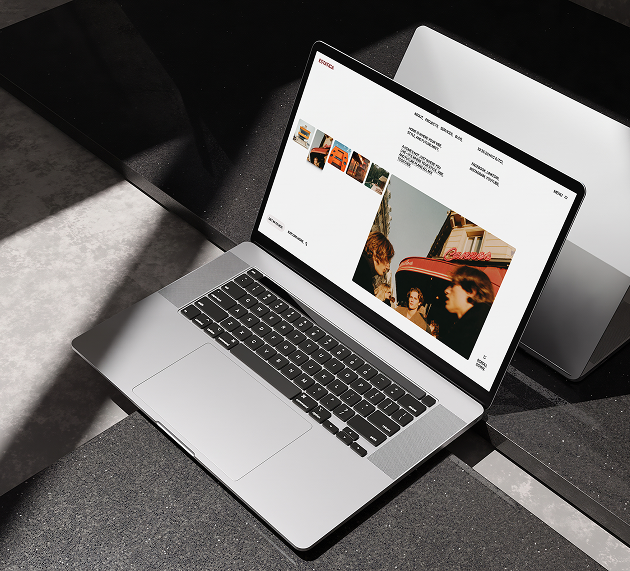
CMS-driven property site
Webflow build · 3-week engagement period · Editor-friendly handover plan
[ The challenge ]
Estatica sold homes with a personal touch, yet every listing, blog post, and service page needed a developer to change, which slowed the team down and kept new properties offline for days.
Next.js
Typescript
Tailwind CSS
Node.js
PostGreSQL
[ What we built ]
Seven connected page types run on a flexible Webflow CMS, so the team publishes listings, projects, and articles on their own and visitors always see fresh content.
5min
Listing publish time
60+
Properties live at launch
3.2×
Consultation bookings
Multi-page website · Branding, UI/UX & CMS build
[ projects ]
product That Speak Results that Matter


FLUXPILOT
Website
AI Automation
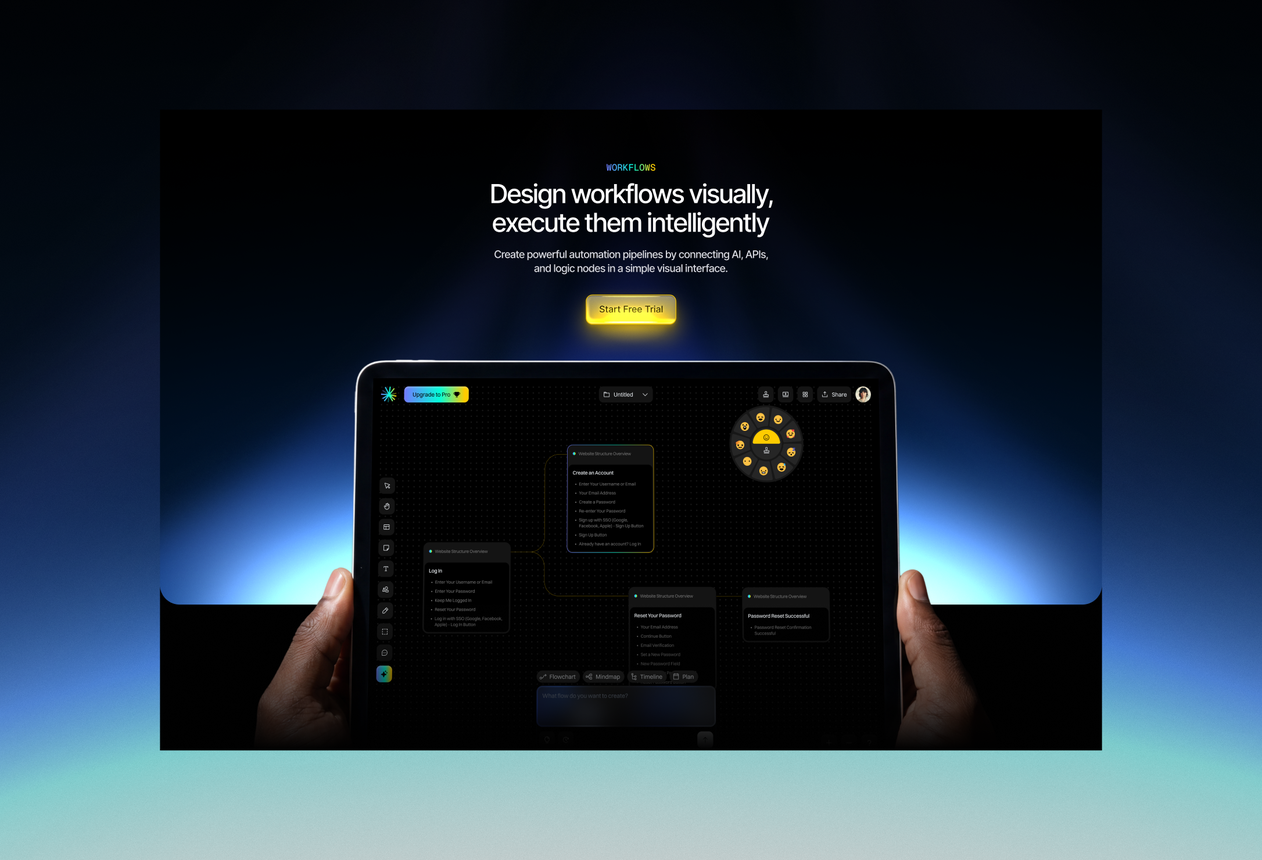
Enterprise AI product pages built in Webflow
FluxPilot’s story has many moving parts. Webflow now carries bento modules, a workflow builder section, customer stories, and an FAQ, and it leaves room to grow without a developer.

PRIMEEDGE
Website
Digital Agency
A no-code agency site that wins pitches
Agency sites get judged in seconds, so PrimeEdge had to load fast and look sharp. Webflow holds the project showcase, team, awards, process, and FAQ, and new projects go up with one edit.

MAISONE
Website
Fashion
A Webflow fashion store with fast collections
Maisoné needed a site that moves as fast as its drops. So, we built the category browsing, collection grids, and social feed in Webflow, so the team can launch new looks in minutes.

ROUTE
Website
Logistics
A logistics site with a live tracker
We built Route in Webflow with a shipment tracker right on the home screen. The three-step onboarding, feature pages, and benefit stats all sit in clean grids that the team can edit without a developer.
[ transformation ]
The Rebuild, Not The Pitch
Projects often begin with damage control: the audit, the fix, and the aftermath.
A dedicated 4-person pod
Designer, engineers and QA, all on your product.
One team, two platforms
iOS + Android, one team, one codebase.
Crash-free at scale
99.2% stability across 1.8M live users.
What clients actually say
Feedback from founders we've shipped with.
Direct speak with the engineer
Saiful replies directly, no manager in the loop.
Built in Dhaka, shipped globally
Live in 9+ countries across four continents.
[ testimonial ]
Feedback From Live Projects

Sofia Gouveia @ Esdiac
Design Director
We relied on them to build our online store with AI-enhanced features that improve customer experience.
Working with Dev Monks on our ESDIAC app and group websites was an excellent experience. They were patient, attentive to feedback, and delivered clean, consistent, high-quality work. We're proud of the results and happy to continue our long-term partnership with them.
.svg)

Anika @ Coin Pulse
Founder
Their team truly understood our vision and brought it to life through a stunning digital identity.
Dev Monks is a professional, reliable partner for end-to-end product builds. From clean, modern designs to seamless development, they exceeded my expectations. I couldn't be happier with the collaboration!

Austin @ Clarity LLC
CEO
Working with Dev Monks completely changed how we approached building our app website scratch.
I've worked with Design Monks on three websites, and they've been nothing but exceptional. Their design is top-notch, development is reliable, and communication is always smooth. They quickly act on feedback and deliver exactly what I need. For me, they're a 10/10 partner for all things design and development.

Ted Nash @ Yenex
Founder & CEO
I never expected building a complex platform to feel this easy and smooth.
I've had the pleasure of collaborating with Dev Monks for a while now on my new project. They're lightning-quick in addressing any questions or feedback I have, and they consistently go the extra mile to make sure I'm thrilled with the final outcome. I wholeheartedly endorse them


[ faq ]
Questions You'd Ask Before Signing Off

Can you work with code you didn't originally build?

Yes, this is actually most of what rescue work involves. Our developers study your existing code thoroughly before touching anything, understanding how it was built and why, so we can fix or upgrade it properly, not blindly.
How do I know if my project needs rescuing or full modernization?
Honestly, you don't need to know beforehand; we figure that out together. If something's broken or unstable, that's rescue work. If it's outdated but functional, that's modernization. Our audit tells us which situation you're actually in.
Is it cheaper to fix my existing system, or start over completely?
Usually, fixing costs significantly less than rebuilding from zero. Starting over means losing everything already invested: time, money, and existing functionality. We only recommend a full rebuild when the current system is truly beyond reasonable repair.
Will fixing my system mean losing existing data or features?
No, preserving what already works is central to our process. We carefully identify what's broken versus what's functioning fine, then fix or modernize only what needs it, protecting your existing data and features throughout the process.
Can you take over a project mid-development from another agency?
Yes, this happens more often than you'd expect. We review the existing code and documentation carefully, identify exactly where things stopped, and continue from there, without forcing you to restart the project from scratch.

[ start project ]
Get Started With Webflow Today
You've seen what a properly built Webflow site can do. The next step is a short conversation about building yours the same way.
Typical range
$15,000 – $80,000
~/devmonks/stack.ts

Dual-store launch included

Fixed, transparent scope
Your ideas deserve more than prototypes. Partner with Dev Monks and bring scalable, reliable, and AI-enhanced products to life today.



